
Lesson
Pause before you click.
TClever TechnologyRecognize suspicious messages and seek help before responding.
Digital safety · Pause, check, ask for help.
Question
Should I open a link promising an urgent prize?
 Should I open a link promising an urgent prize?
Answer
Do not act under pressure. Ask a trusted adult for help and verify the offer through a known channel.
 Do not act under pressure. Ask a trusted adult for help and verify the offer through a known channel.
History
Scammers have long used messages that imitate trusted people or organizations. Email and text messaging brought these deceptive requests onto our screens too.
 Scammers have long used messages that imitate trusted people or organizations. Email and text messaging brought these deceptive requests onto our screens too.
Example
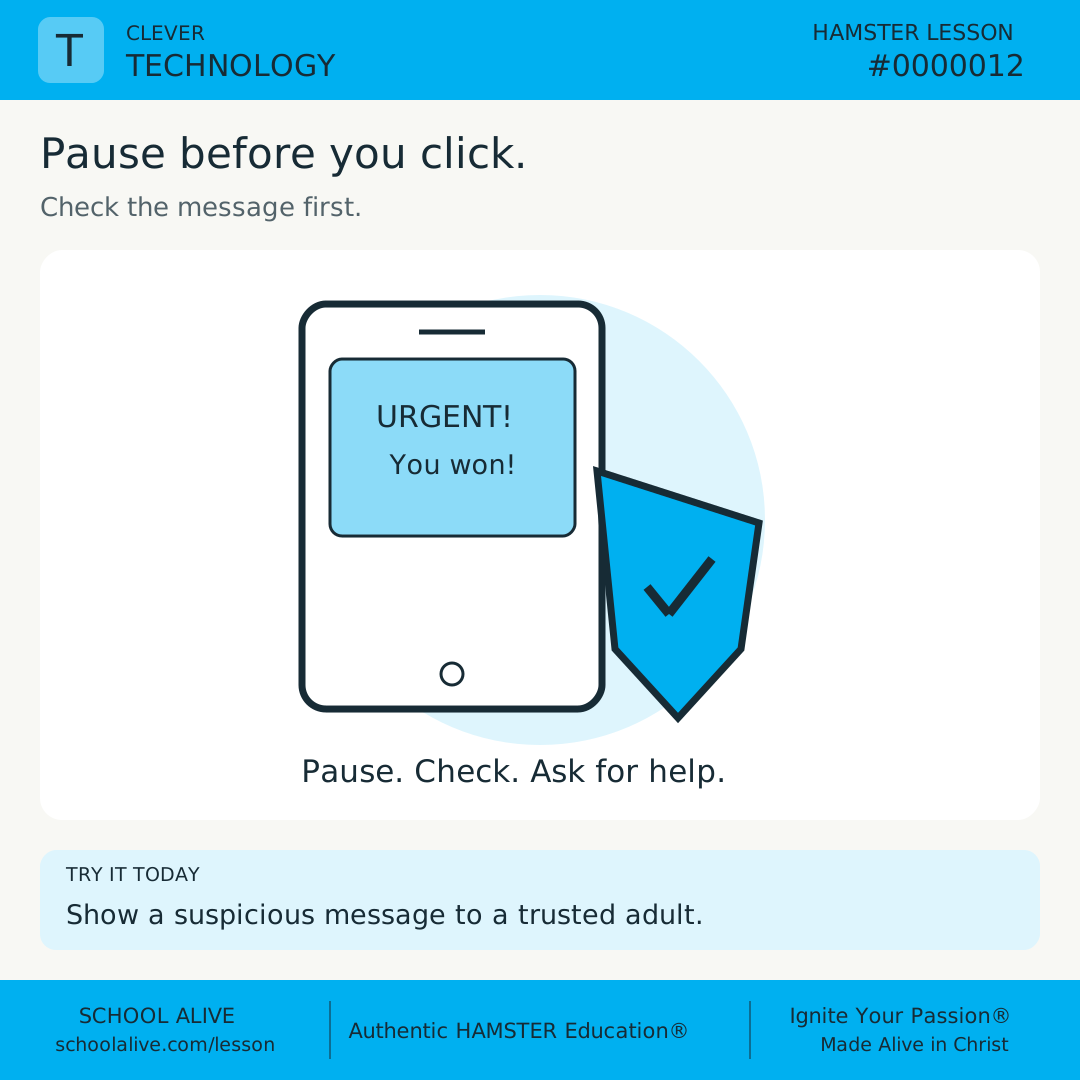
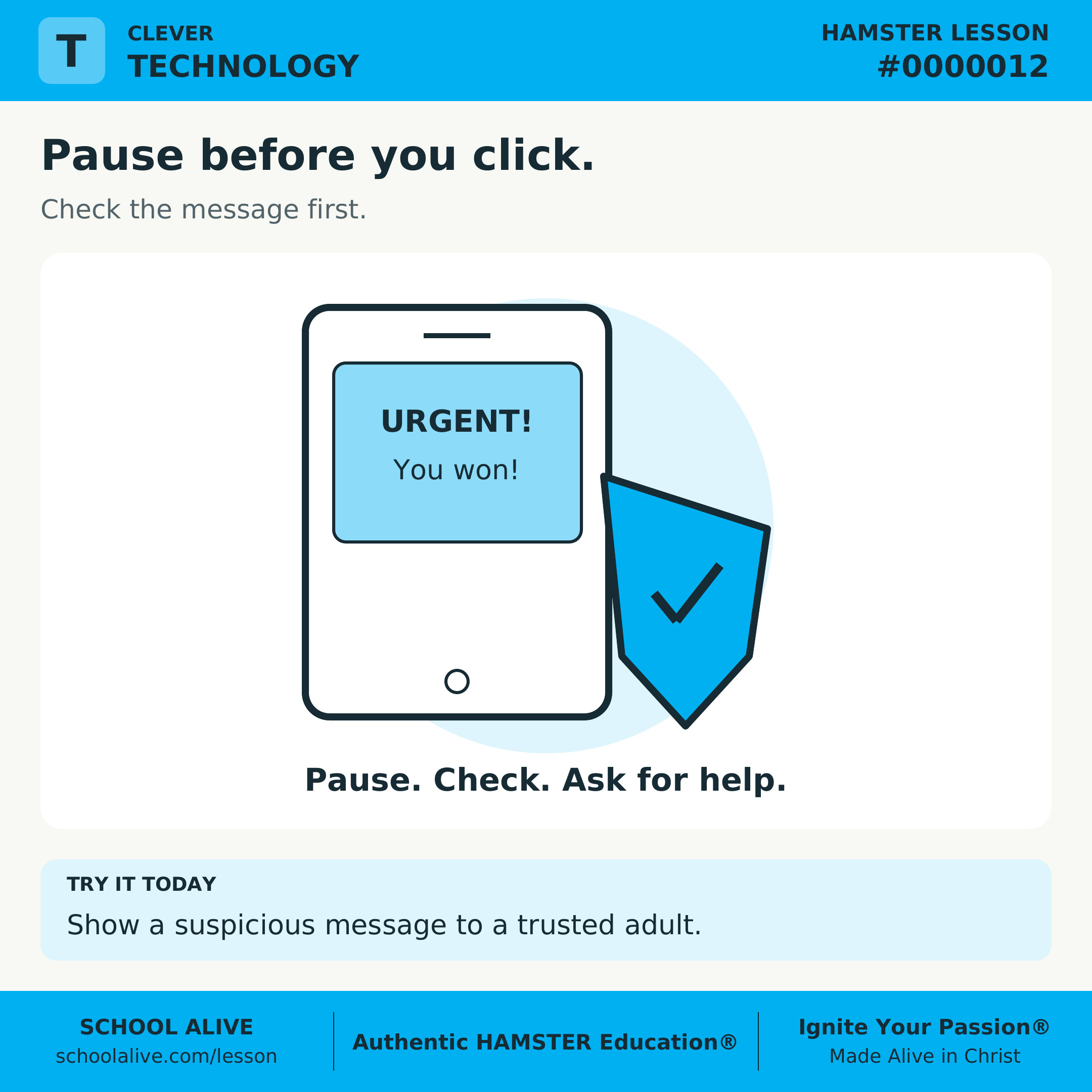
A message says, “You won! Sign in now.” Do not open its link or send a password. Show the message to a trusted adult.
 A message says, “You won! Sign in now.” Do not open its link or send a password. Show the message to a trusted adult.
Insight
A familiar logo does not prove a message is genuine. Urgency, unexpected prizes, and requests for private information are reasons to stop and check.
 A familiar logo does not prove a message is genuine. Urgency, unexpected prizes, and requests for private information are reasons to stop and check.
Connection
Protecting your account also protects family and classmates. Check through an official app or a contact you already know.
 Protecting your account also protects family and classmates. Check through an official app or a contact you already know.
Challenge
With an adult, invent a suspicious message on paper without real links. Mark two warning signs and practice saying, “I will check this first.”
 With an adult, invent a suspicious message on paper without real links. Mark two warning signs and practice saying, “I will check this first.”
Dive deeper
Context
Deceptive messages exploit trust or haste. Pausing creates time to ask for help.
Understand the idea
Phishing tries to trick people into revealing information or opening harmful content. It can arrive by email, text, or a call.
A polished message can still be deceptive. Check the request through a known contact or official app, without relying on the contact details inside the suspicious message.
If you already clicked, tell a trusted adult promptly. Getting help quickly is better than hiding the mistake out of embarrassment.
Spot the clues
- With an adult, invent a suspicious message on paper without real links. Mark two warning signs and practice saying, “I will check this first.”
- Explain why you should not use the link in the message.
- Name a trusted adult who can help.
Discuss together
- Why does urgency make careful checking harder?
Introducing Microlessons
One idea. Seven steps. A practical discovery.
Begin with a question and a clear answer. Explore the history, an example, and a deeper insight. Connect the idea to everyday life, then put it into practice.
Read on your own or talk it through together. Each prepared edition includes a shareable image, concise text, and a one-page PDF.
How the 7 steps work
Each lesson moves from curiosity to understanding to practical action. Here is what each step contributes.
Question
Opens a question worth exploring and gives the lesson a clear purpose.
Answer
Gives a clear starting point that the rest of the lesson helps us understand.
History
Shows how people encountered the idea and how their discoveries shaped what we know.
Example
Makes the idea concrete through a situation, demonstration, or worked example.
Insight
Draws out the deeper principle so we understand why the idea matters.
Connection
Connects the idea to other disciplines, our faith, and everyday life.
Challenge
Turns understanding into action through something to try, practice, or explain.